Version v0.26 of Metabase is no longer supported. Check out the docs for the current stable version, Metabase v0.63.
Starting in v0.15.0 Metabase provides a driver for connecting to BigQuery directly and executing queries against any datasets you have. The below sections provide information on how to get connected and troubleshoot any issues that may come up.
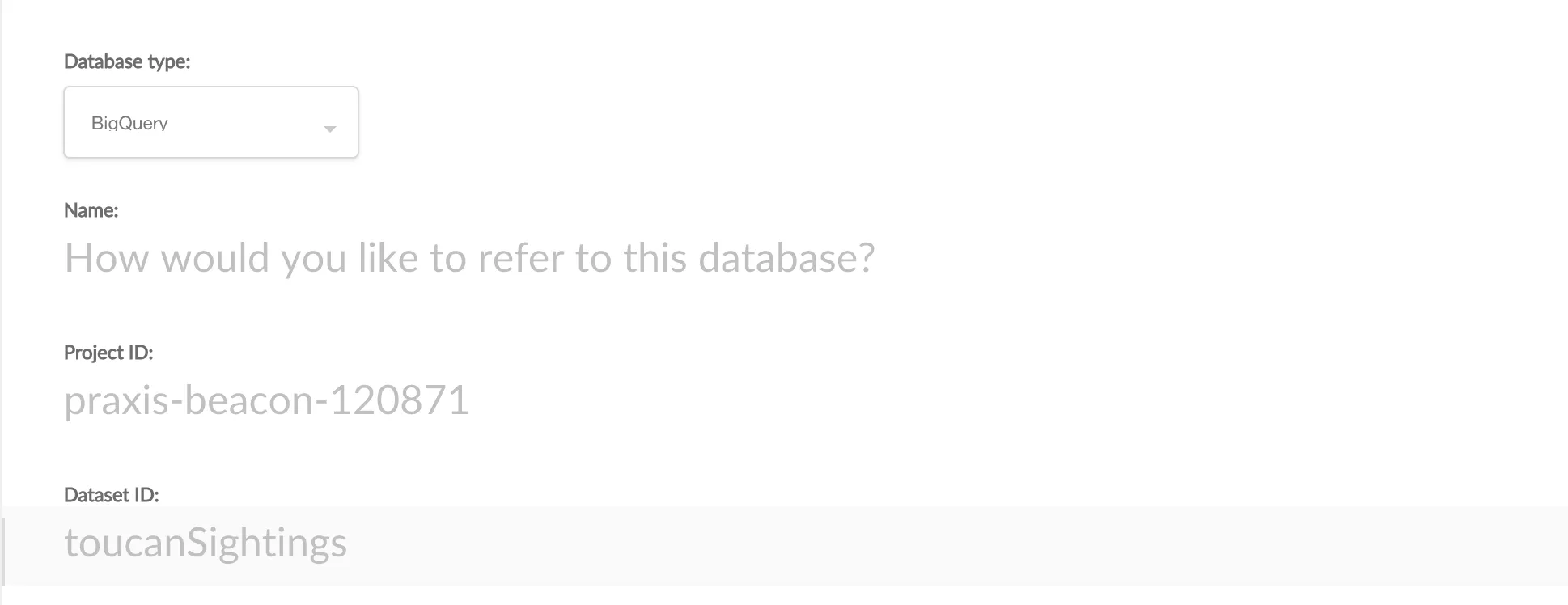
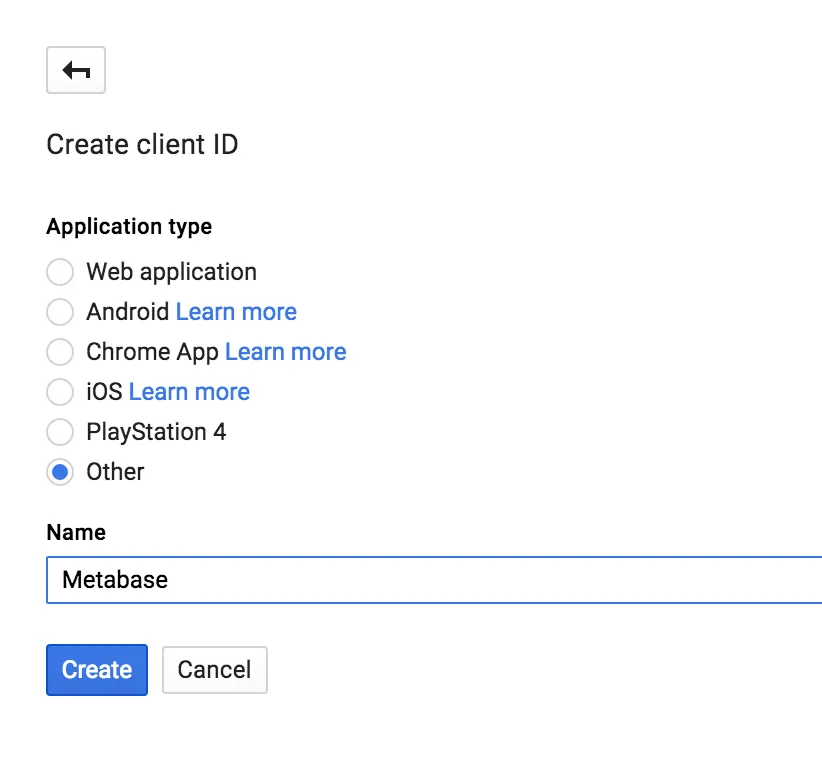
Click here link provided below the Client ID field which will open a new browser tab and guide you through the process of generating OAuth 2.0 credentials for Metabase. Make sure to choose Other for your application type.
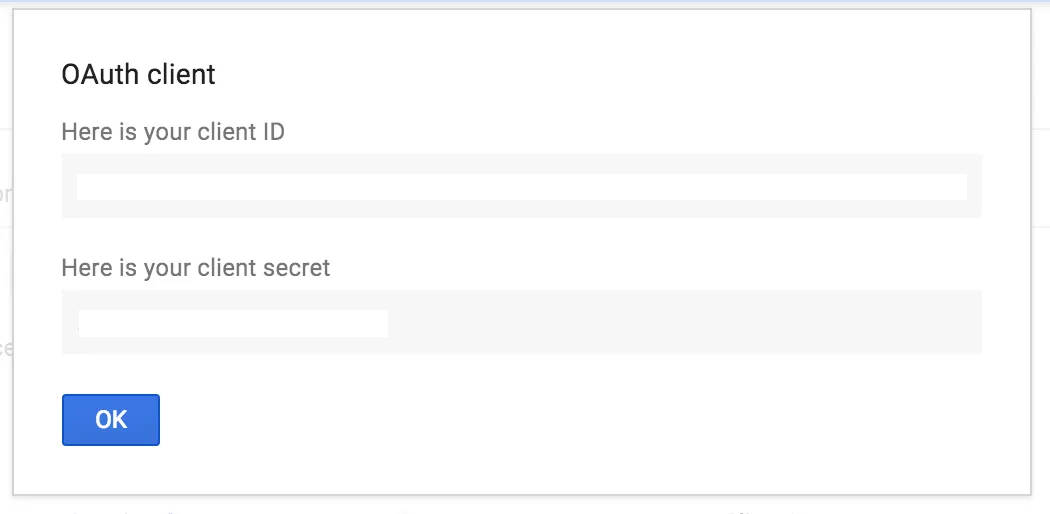
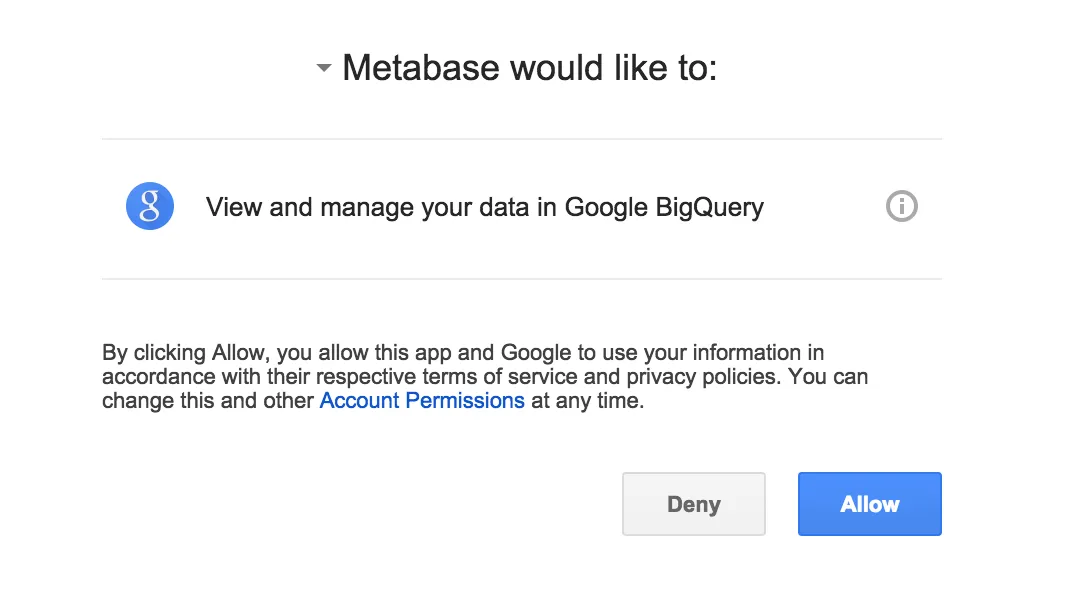
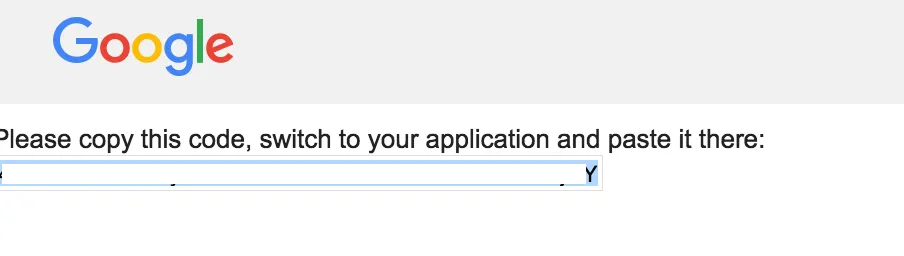
Click here to get an auth code which will open a new browser window and authorize your credentials for a BigQuery access token to use the api. Simply click the Allow button.
Save button!Metabase will now begin inspecting your BigQuery Dataset and finding any tables and fields to build up a sense for the schema. Give it a little bit of time to do its work and then you’re all set to start querying.
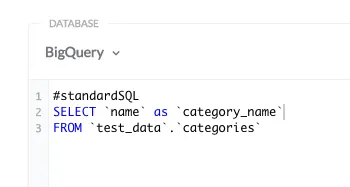
By default, Metabase tells BigQuery to interpret queries as Legacy SQL. If you prefer using
Standard SQL instead, you can tell Metabase to do so by including a #standardSQL directive at the beginning of your query: