Version v0.29 of Metabase is no longer supported. Check out the docs for the current stable version, Metabase v0.63.
X-rays are a fast and easy way to get automatic insights and explorations of your data.
When you first connect a database to Metabase, Metabot will offer to show you some automated explorations of your data.
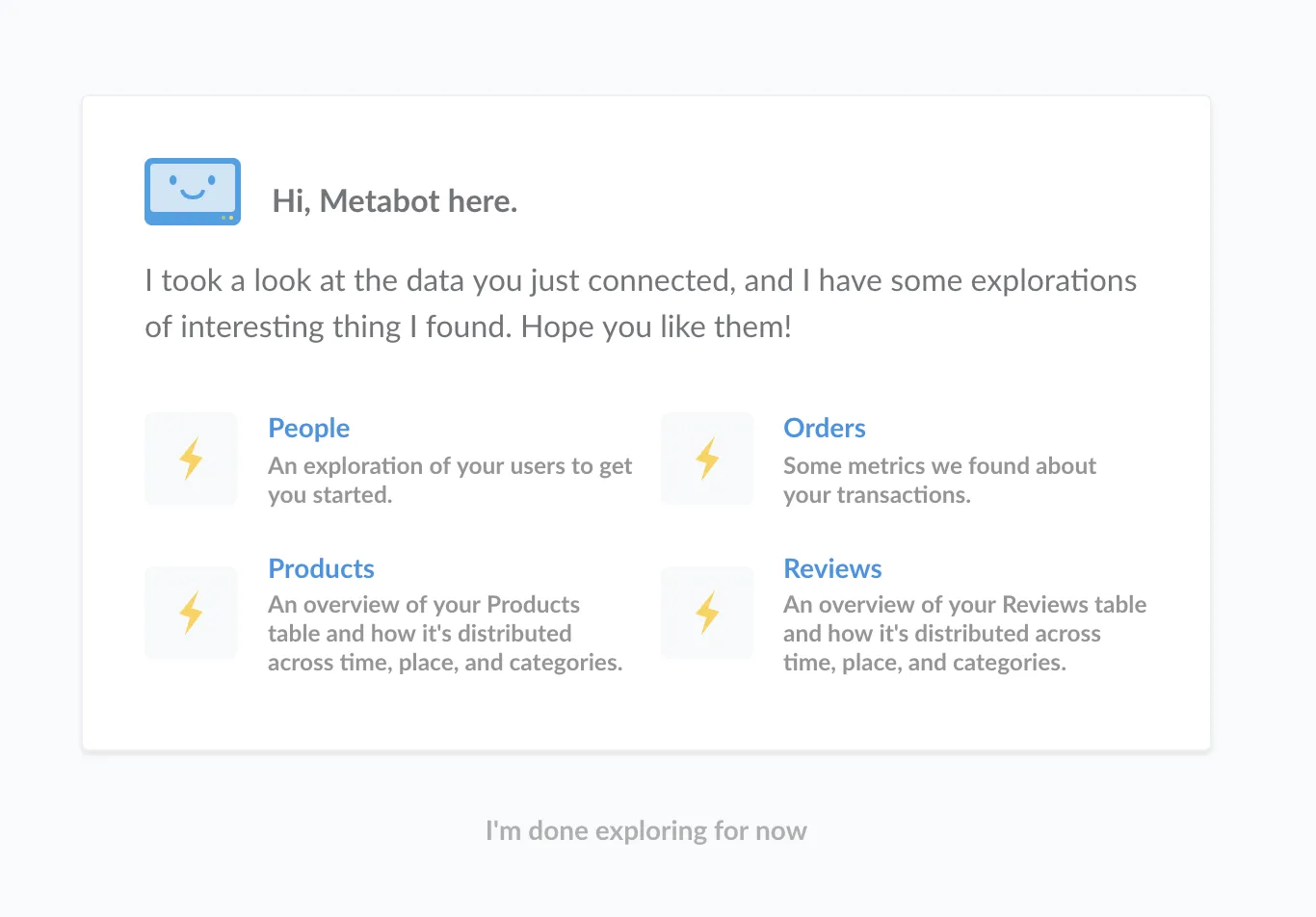
Click on one of these to see an x-ray.
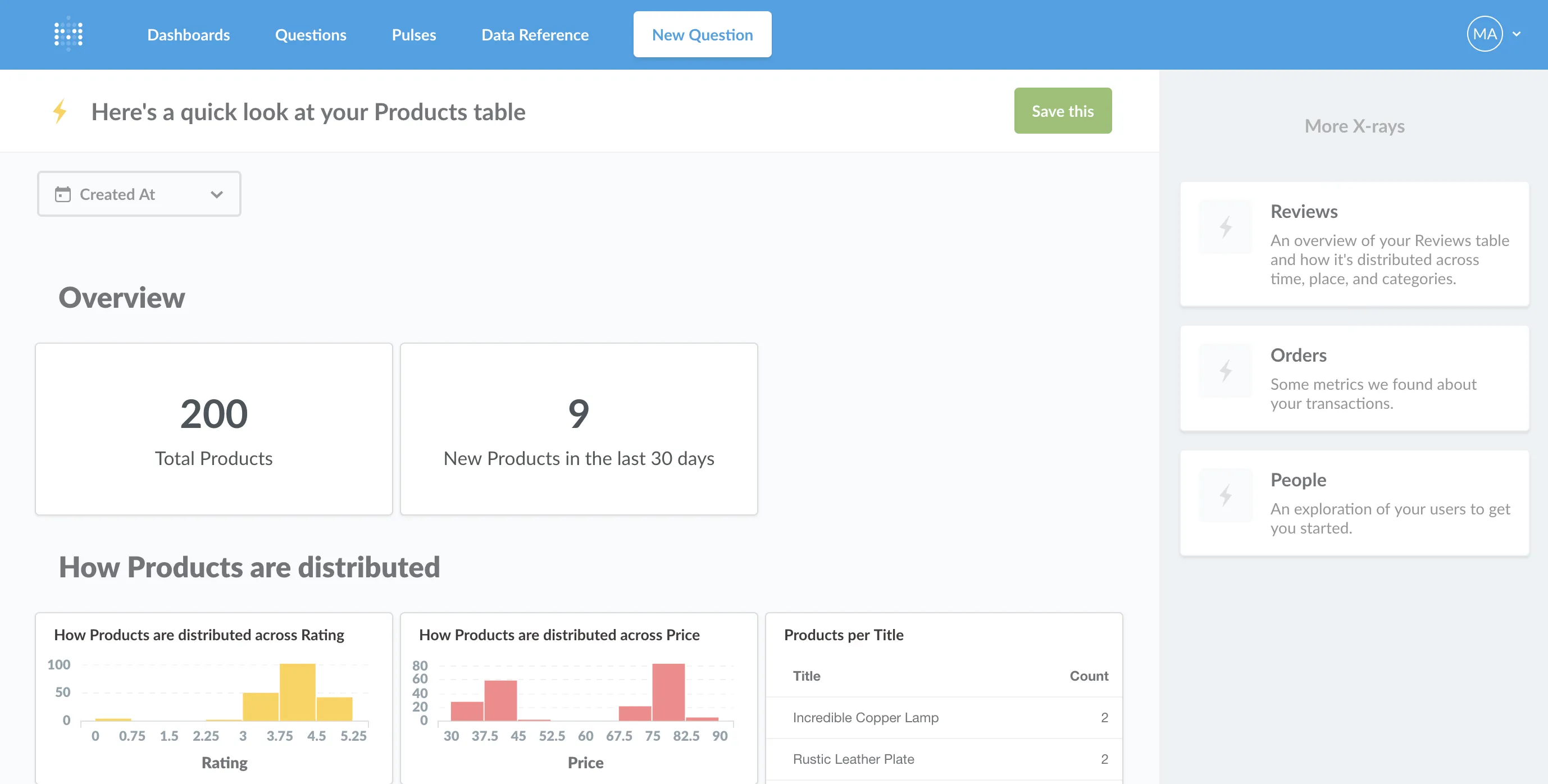
You can see more suggested x-rays over on the right-hand side of the screen. Browsing through x-rays like this is a pretty fun way of getting a quick overview of your data.
If you’re logged in as an Administrator and you come across an x-ray that’s particularly interesting, you can save it as a dashboard by clicking the green Save button. Metabase will create a new dashboard for you and put all of its charts in a new collection. The new collection and dashboard will only be visible to other Administrators by default.
To quickly make your new dashboard visible to other users, go to the collection with its charts, click the lock icon to edit the collection’s permissions, and choose which groups should be allowed to view the charts in this collection. Note that this might allow users to see charts and data that they might not normally have access to. For more about how Metabase handles permissions, check out these posts about collection permissions and data access permissions.
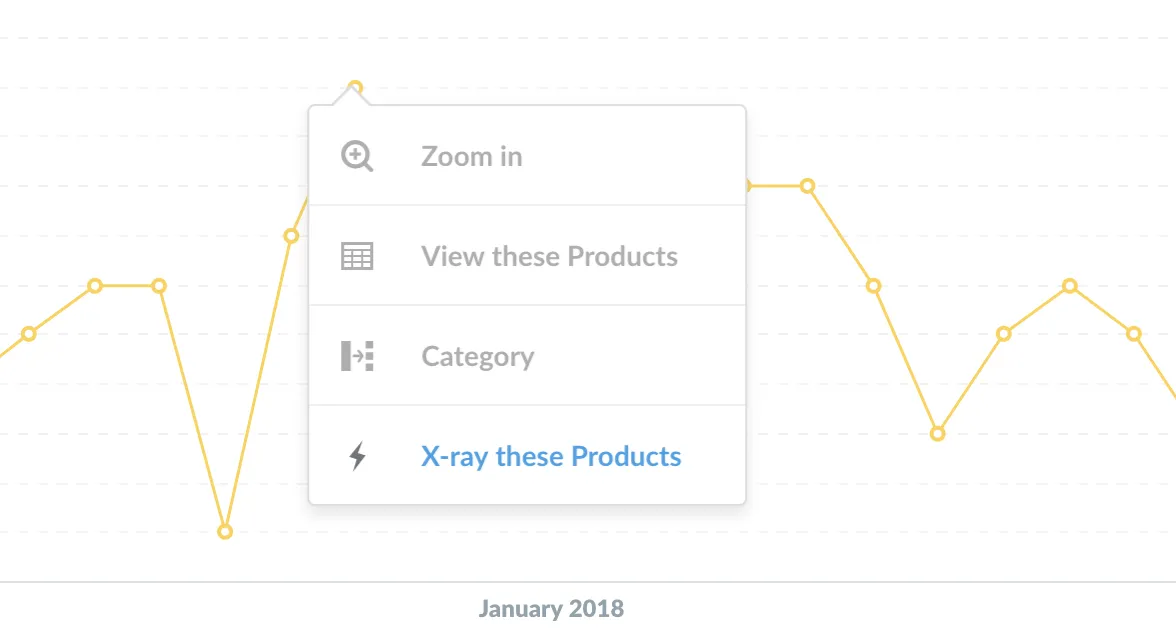
One great way to explore your data in general in Metabase is to click on points of interest in charts or tables, which shows you ways to further explore that point. We’ve added x-rays to this action menu, so if you for example find a point on your line chart that seems extra interesting, give it a click and x-ray it! We think you’ll like what you see.
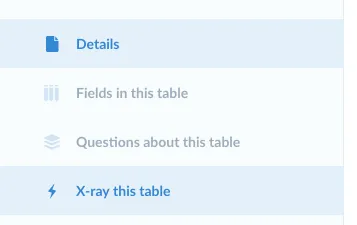
You can also create an x-ray by navigating to a table, field, metric, or segment in the Data Reference. Just click the x-ray link in the left sidebar.
We’re reworking the way we do things like time series growth analysis and segment comparison, which were present in the previous version of x-rays. In the meantime, we’ve removed those previous x-rays, and will bring those features back in a more elegant and streamlined way in a future version of Metabase.
If you still have questions about x-rays or comparisons, you can head over to our discussion forum. See you there!


