





Version v0.52 of Metabase is no longer supported. Check out the docs for the current stable version, Metabase v0.63.
Embedded analytics SDK
Embedded analytics SDK is only available on Pro and Enterprise plans (both self-hosted and on Metabase Cloud).
With the Embedded analytics SDK, you can embed individual Metabase components with React (like standalone charts, dashboards, the query builder, and more). You can manage access and interactivity per component, and you have advanced customization for seamless styling.
Example apps built with the embedded analytics SDK
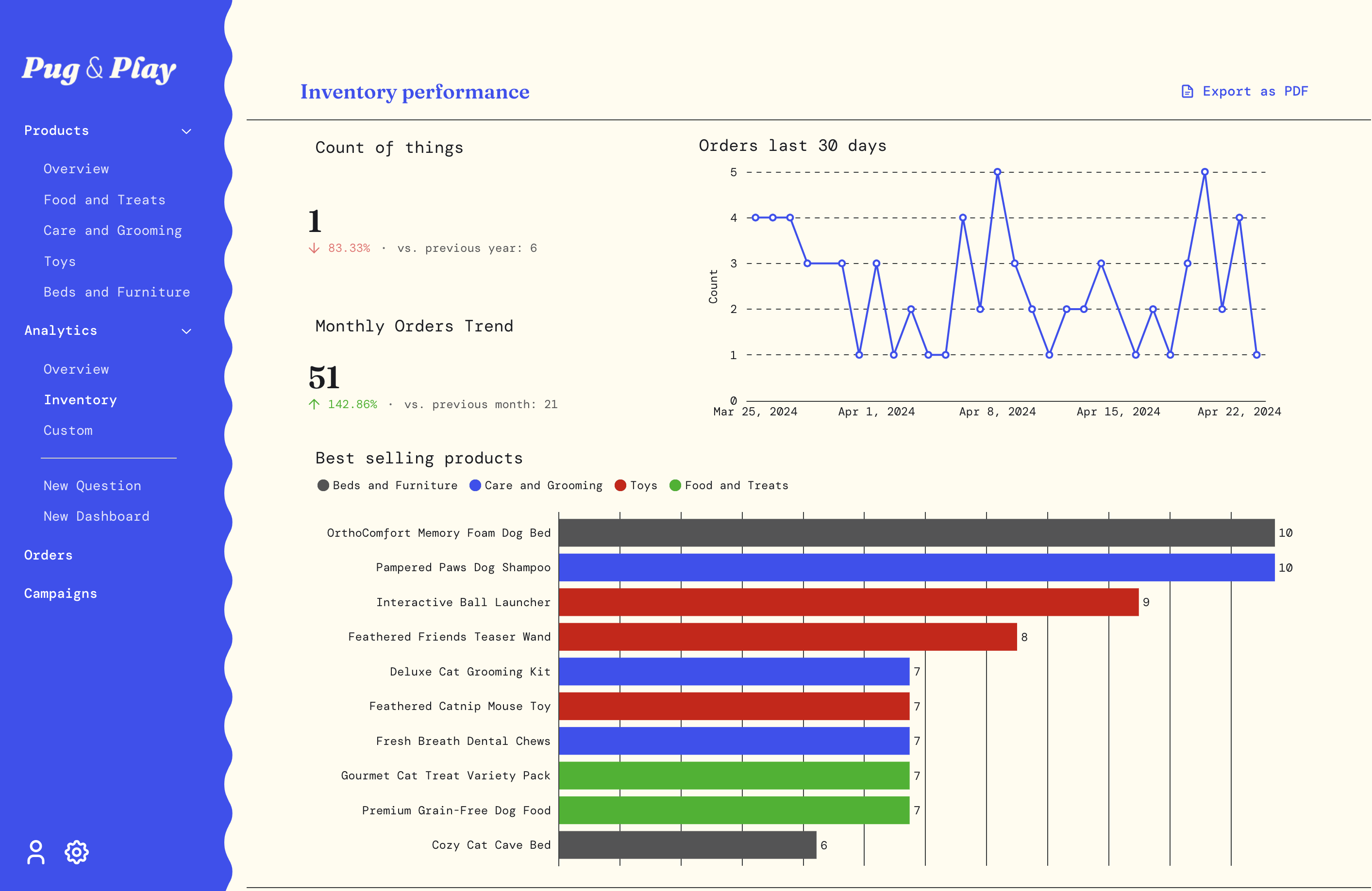
To give you and idea of what’s possible with the SDK, we’ve put together example sites at metaba.se/sdk-demo. Navigate between three different shop websites: The Stitch, Luminara Beauty, and Pug & Play. Check them out and poke around their products and analytics sections, as well as the New Question and New Dashboard options.
Embedded analytics SDK prerequisites
- React application using React 18 or React 19.
- Nodejs 20.x or higher.
- Metabase version 1.52 or higher.
Embedded analytics SDK on NPM
Check out the Metabase Embedded analytics SDK on NPM: https://www.npmjs.com/package/@metabase/embedding-sdk-react.
Quickstart with CLI
If you have Node and Docker installed, you can change into your React application and run:
npx @metabase/embedding-sdk-react@latest start
Only works locally, and you don’t need a license key (but you can use one to demo more features).
See more about the CLI quickstart.
We also have a quickstart with a sample app that uses JWT.
Installation
You’ll need to enable the SDK in your Metabase, and install the SDK as a dependency in your app.
In Metabase
Enable the Embedded analytics SDK by going to Admin settings > Settings > Embedding. Toggle on the SDK, and hit Configure. Enter the origins for your website or app where you want to allow SDK embedding, separated by a space. Localhost is automatically included.
In your React application
You can install the Embedded analytics SDK for React via npm. Make sure to use the dist-tag that corresponds to your Metabase version, example: 53-stable for Metabase 53:
npm install @metabase/embedding-sdk-react@53-stable
or with yarn:
yarn add @metabase/embedding-sdk-react@53-stable
Developing with the embedded analytics SDK
- Quickstart with sample app and JWT
- Quickstart with CLI and your data
- Questions
- Dashboards
- Collections
- Appearance
- Plugins
- Versioning
- Authentication
- Config
- Notes on Next.js
Embedded analytics SDK source code
You can find the Embedded analytics SDK source code in the Metabase repo.
Changelog
View the SDK’s changelog:
Embedded analytics SDK on NPM
Check out the Metabase Embedded analytics SDK on NPM: metaba.se/sdk.
SDK limitations
The SDK doesn’t support:
- Verified content
- Official collections
- Subscriptions
- Alerts
- Server-side rendering (SSR)
- Multiple interactive dashboards on the same application page. If you need to embed multiple dashboards on the same application page, you can embed static dashboards.
- React 19
Issues, feature requests and support
Bugs and feature requests are tracked on GitHub.
You can upvote an existing feature request by leaving a thumbs up emoji reaction on the issue. Feel free to leave comments with context that could be useful. Read more.
Before creating new issues, please make sure an issue for your problem or feature request doesn’t already exist. To seek help:
- Paid customers can contact our success team through the usual channels.
- People using the open-source edition can post on our discussion forums.
Read docs for other versions of Metabase.